1. User Authentication & Access Management
1.1 Client Account Registration
- Clients can:
- Register
- Login
- Reset password
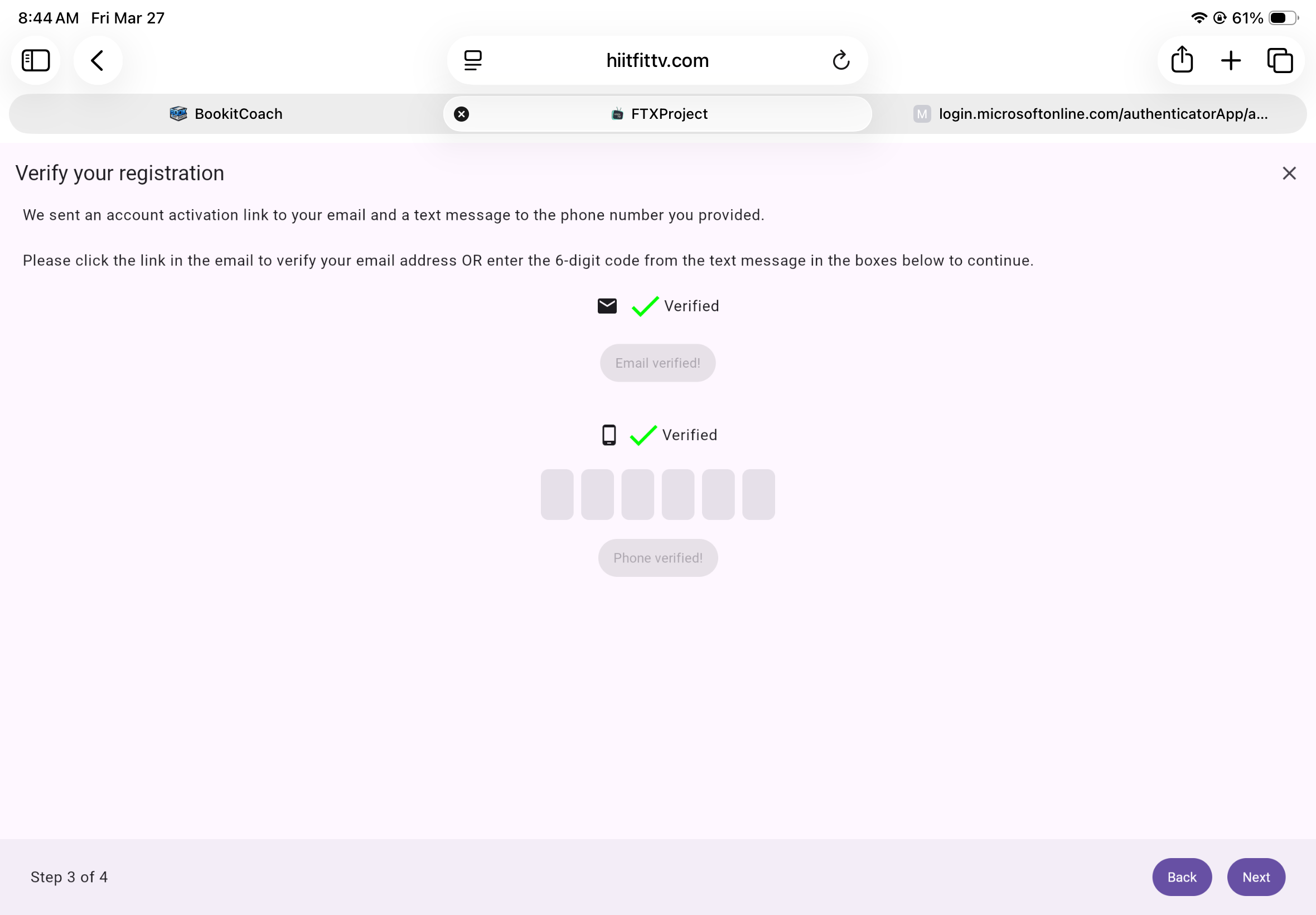
- Email confirmation required before full platform access
- Once confirmed, clients gain full access to the Scheduling Calendar
- Upon login, clients are automatically directed to their Scheduling Calendar
1.2 Trainer Account Registration
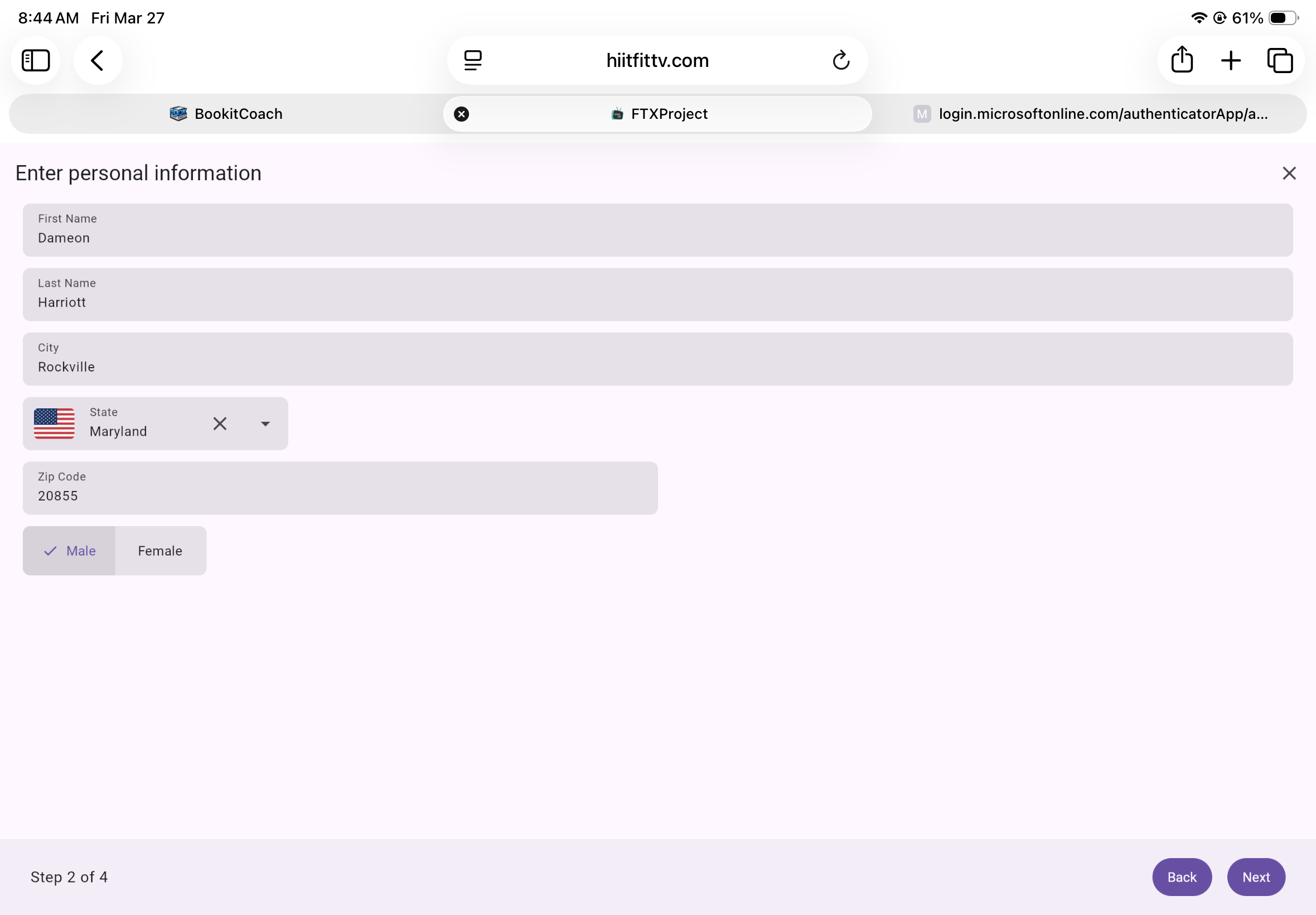
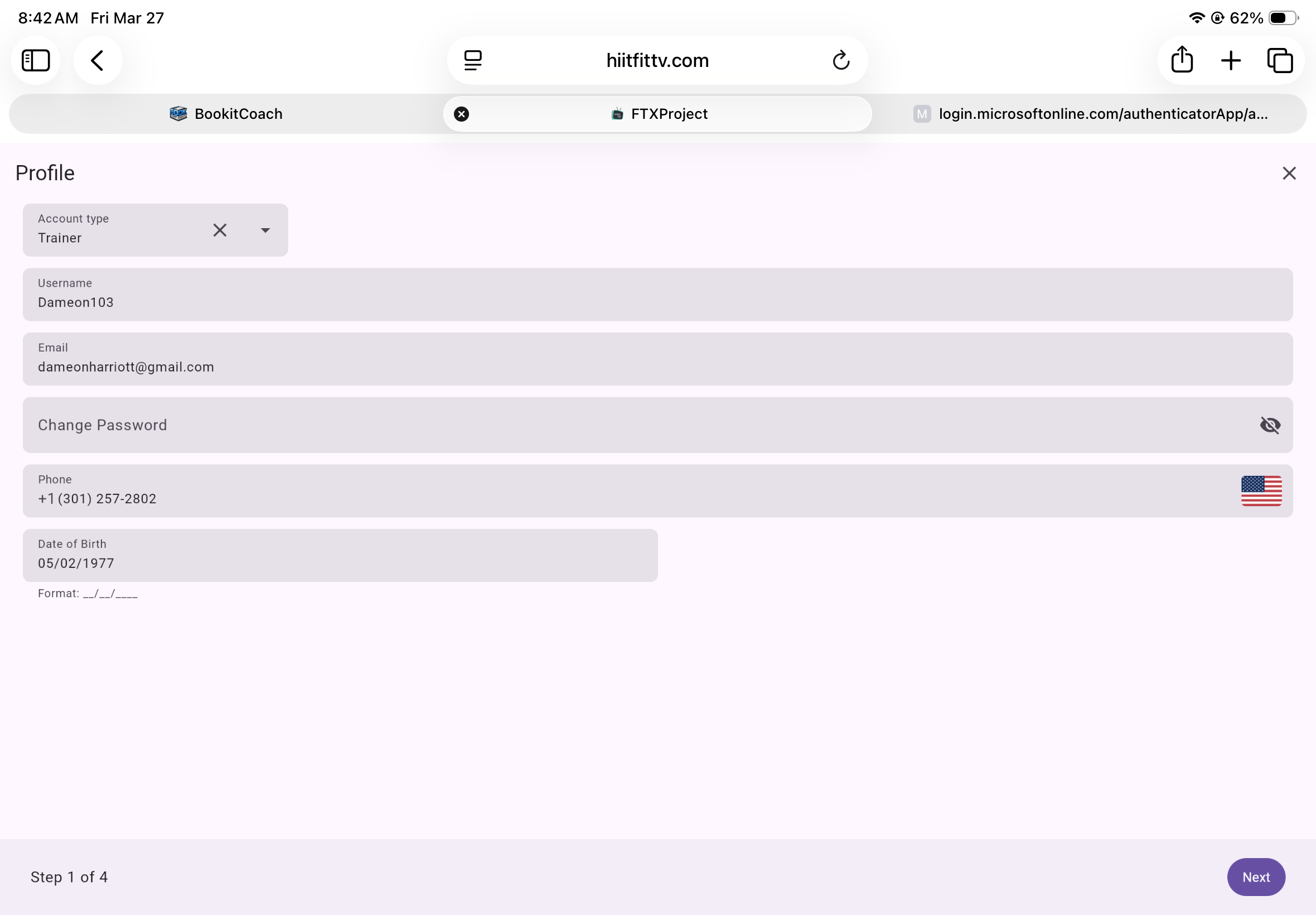
- Trainers register as “Trainer Accounts”
- Accounts require Admin approval before activation
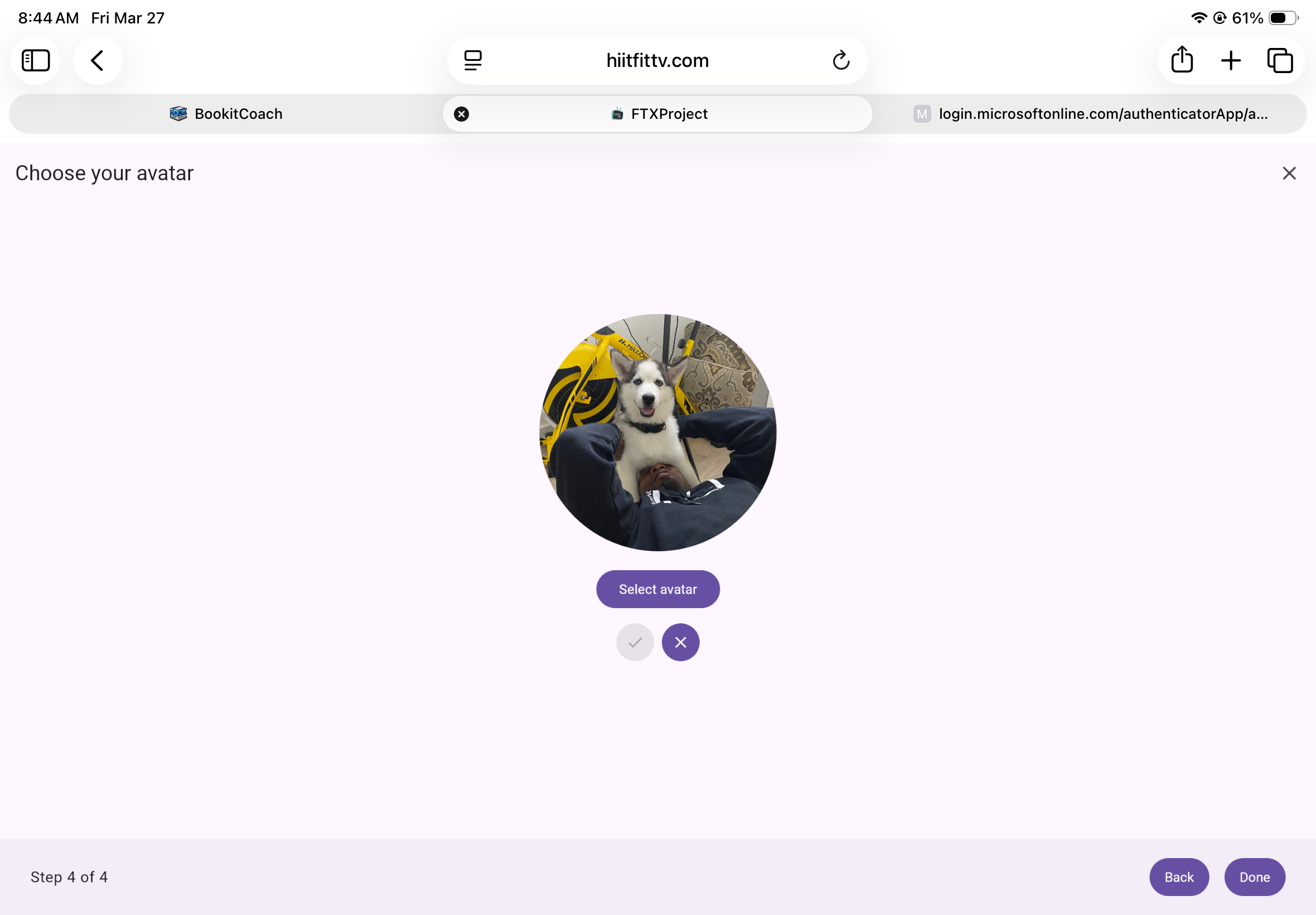
- Trainers must complete profile setup before using scheduling tools
1.3 Admin Account Activation
- Admin status enabled at the database level
- Admins verify and approve Trainer accounts
- Admins can assign trainers to existing sessions
2. Scheduling Calendar
The Scheduling Calendar is the core feature of Bookitcoach.com.
2.1 Client View
Clients can:
- View available training sessions by day
- Select available time slots only
- Confirm session details before final booking
- View only their own scheduled sessions
- Cancel sessions (up to 24 hours prior)
2.2 Cancellation Policy
- Clients may cancel sessions up to 24 hours prior
- Sessions canceled within 24 hours are charged as used
- Trainers may set a custom cancellation window per session
- Trainers can mark clients as No Show
3. Session Booking Flow
- Client selects a date from calendar
- Client selects available trainer session time slot
- Client confirms session details
- Booking is saved
- Email and SMS notifications sent to client and trainer
4. Communication System (Email & SMS)
Bookitcoach.com includes automated communication for transparency and accountability.
4.1 Booking Confirmation Notifications
When a session is scheduled:
- Email sent to client
- SMS sent to client
- Email sent to trainer
- SMS sent to trainer
Example message:
Reminder for your upcoming Bookitcoach training session on March 14, 2024 at 4pm with PT Ryan at 850 E Gude Dr.
4.2 Scheduling Changes
- Any modification or cancellation triggers:
- Email notification to client
- SMS notification to client
4.3 Session Completion Report
After each completed session:
- Client receives:
- Email with PDF workout report
- SMS with secure link to web-based report
- Trainer session count is adjusted automatically
5. Post-Session Workout Report
Each completed session generates a downloadable PDF report including:
- Date and time of session
- Prescribed workout performed (exercises / sets / reps)
- Updated session balance
- No Show status (if applicable)
- Trainer information in footer
- Link to view session summary online
6. Trainer Features
6.1 Session Creation
Trainers can:
- Select a calendar date
- Create available session time slots
- Define:
- Time
- Capacity (if applicable)
- Custom cancellation window
6.2 Session Management
Trainers can:
- View all clients booked into a session
- Click a session to see client list
- View full client registration details
- Modify or cancel client bookings
- Mark clients as No Show
6.3 Trainer Profile Page
Each trainer has a public-facing profile page including:
- Profile photo
- Logo upload
- Short bio
- Additional professional details
7. Admin Roles & Permissions
Phase 1 Admin
- Enable Admin status in database
- Approve trainer accounts
- Assign trainers to sessions
- Manage session ownership
Phase 2 Features

8. Multi-Level Admin Structure
8.1 Level 1 Admin (L1)
- Full privileges across all Bookitcoach applications
- Can:
- Assign trainers to any session
- Override L2 permissions
- Manage all accounts globally
8.2 Level 2 Admin (L2)
- Limited to their own Bookitcoach instance
- Can:
- Approve trainer accounts within their application
- Manage sessions and trainers within their environment
- Cannot manage other applications
9. Infrastructure & Third-Party Requirements
To support SMS communication and phone verification, Bookitcoach.com requires:
- Two paid service integrations:
- SMS delivery provider
- Phone number verification service
- Email delivery service provider
- Secure PDF generation service
- Encrypted database for user and session storage
10. Business Rules
- Email verification required before booking access
- Only available time slots visible to clients
- 24-hour cancellation minimum (trainer adjustable)
- No Show designation controlled by trainer
- Automatic session balance adjustments after completion
- All scheduling changes logged and timestamped
- Communication history stored for audit trail
11. Future Scalability (Post-Phase 2 Vision)
- Mobile app (leveraging Kotlin Multiplatform)
- Payment processing integration
- Package/session credit purchasing
- Waitlist functionality
- Recurring bookings
- Performance analytics dashboard
- CRM integrations
- Multi-location support
12. Target Users
- Independent personal trainers
- Performance coaches
- Sports training facilities
- Boutique fitness studios
- Skill development academies
13. Value Proposition
Bookitcoach.com simplifies coach scheduling while increasing professionalism, accountability, and communication transparency.
The platform:
Centralizes trainer operations
Reduces no-shows
Automates communication
Tracks session usage
Improves client experience